Bridges
Bridges are Tor relays that help Haveno connect when Tor is blocked by your internet provider or country.
Haveno includes Snowflake, which works without any setup. You can also enter custom bridges, such as WebTunnels, which disguise Tor traffic as standard HTTPS web traffic.
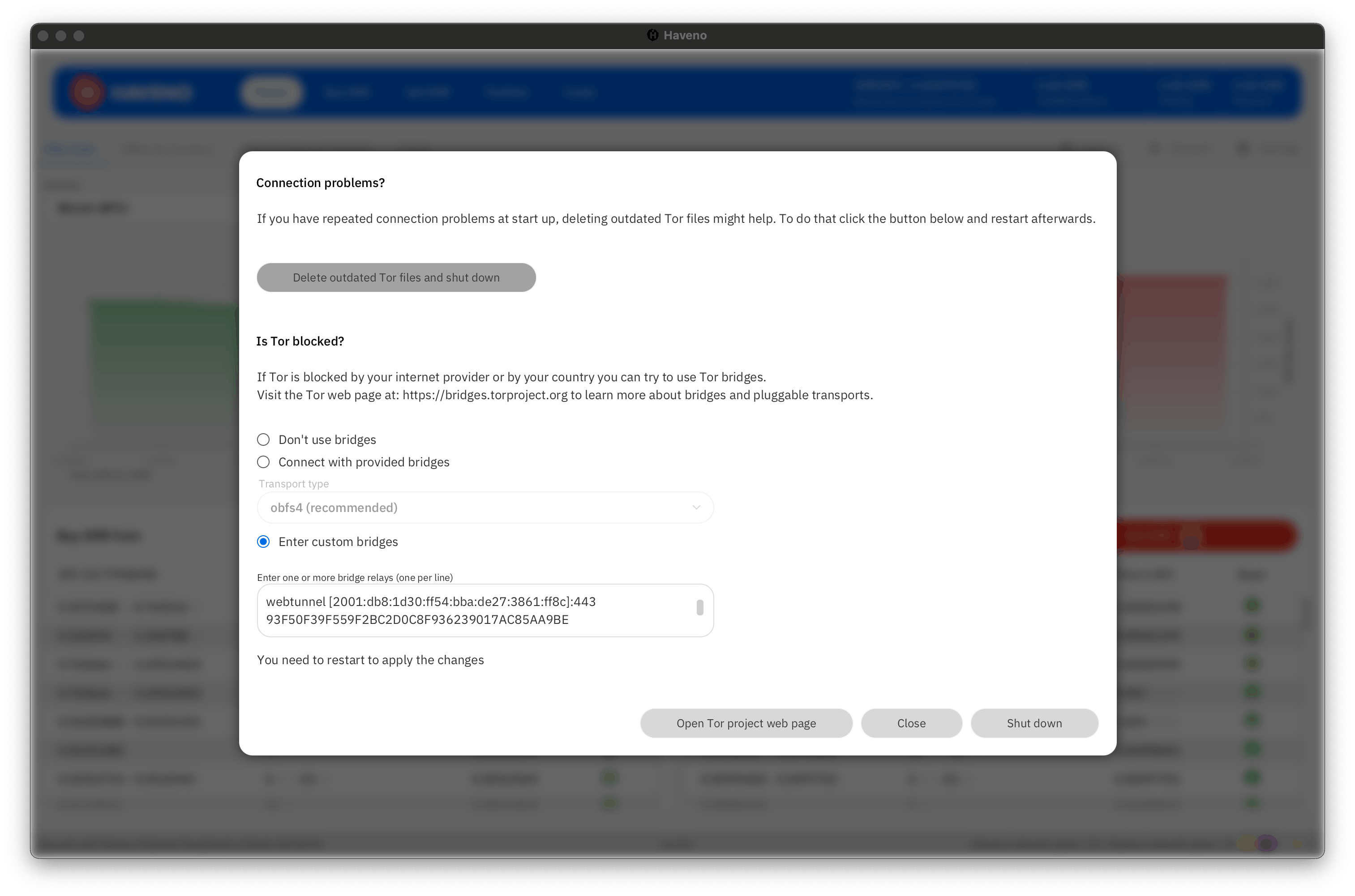
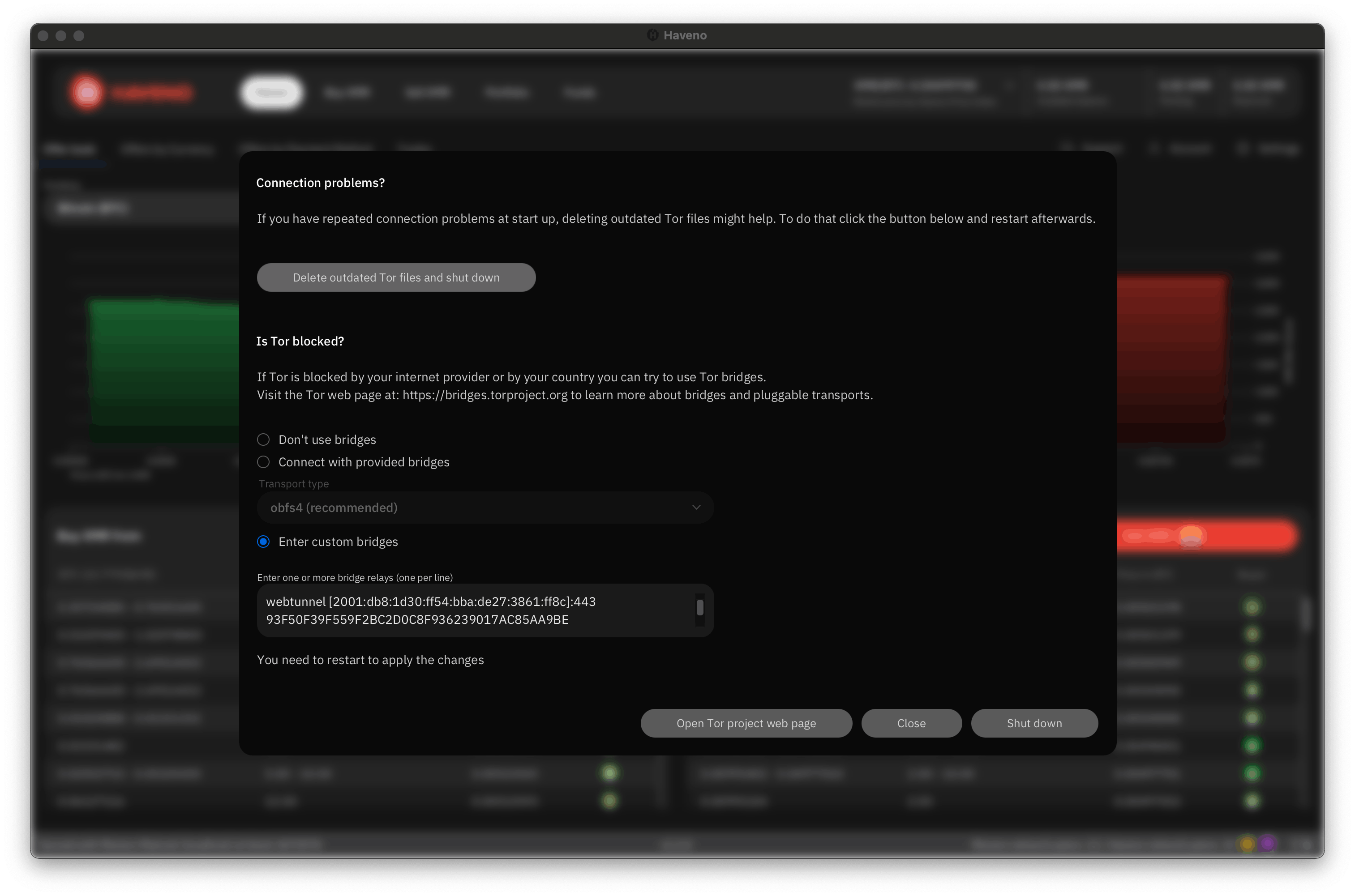
Use Snowflake
- Open the network settings menu from Settings > Network Info > Open Tor settings or click the onion icon in the bottom right.
- Select Use Snowflake.
- Restart Haveno for the changes to take effect.
Use custom bridges
To use custom bridges, you must first obtain bridge addresses from the Tor Project.
- Visit bridges.torproject.org.
- Click 'Get Bridges'.
- Select a bridge type, such as 'webtunnel', from the drop down selection.
- Complete the CAPTCHA if necessary to reveal your bridge addresses.
- Copy the provided addresses (it will look like webtunnel 10.0.0.1:443...)
Then configure Haveno to use them:
- Open the network settings menu from Settings > Network Info > Open Tor settings or click the onion icon in the bottom right.
- Select Enter custom bridges and paste the addresses, one per line.
- Restart Haveno for the changes to take effect.